

Track tasks
The Tasks page shows what Otto is working on, what's scheduled and what's done.
Otto adds a card when a request runs for more than 30 seconds, or when you hand it work that continues later, such as chasing a reply. Quick answers don't get a card.
Three views
Section titled “Three views”| View | Shows |
|---|---|
| Current | Open task cards, with the ones that need you first |
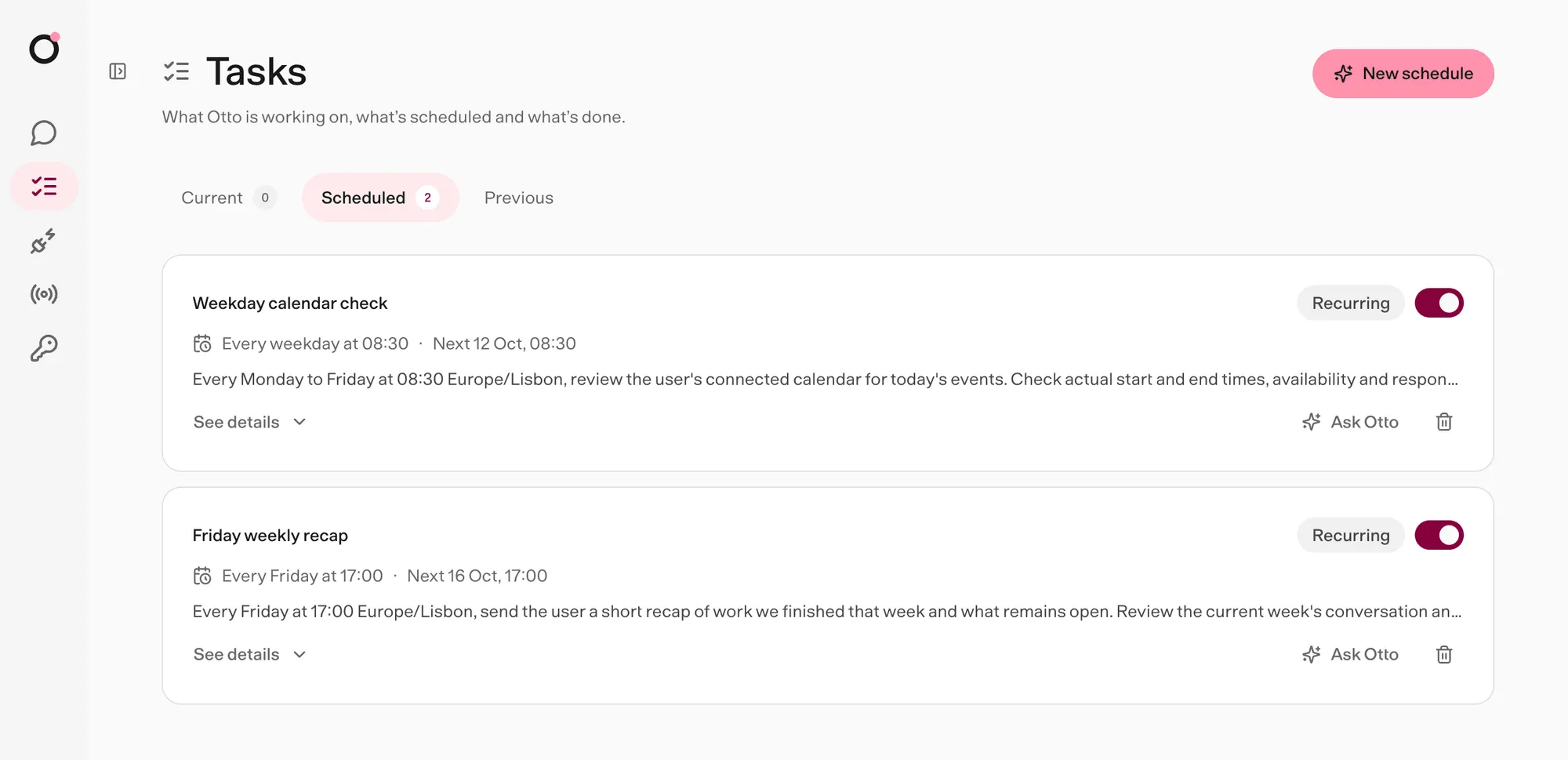
| Scheduled | Your schedules and Otto's planned check-ins. See Schedules. |
| Previous | Finished cards and past schedule runs, newest first |
What a card shows
Section titled “What a card shows”| Part | What it tells you |
|---|---|
| Title | The task in a few words |
| Status | Where the task stands, such as Working or Needs you |
| Now line | What Otto is doing, or the question it asked you |
| Waiting on | Who Otto is waiting for, and how, such as an email reply |
| Next check | When Otto will look again |
| Done when | What finished looks like |
Otto writes the card from your messages, its own replies and the names of the tools it used. Web pages and tool results never go into a card.
A finished card has Schedule task, which turns the same work into a schedule.
Statuses
Section titled “Statuses”| Status | Meaning |
|---|---|
| Working | Otto is on it right now. |
| Needs you | Otto asked you something, or the task failed or was stopped. Reply in chat. |
| Waiting | Otto is waiting on someone else. |
| Checking back | Otto has a check planned for later. |
| Stalled | Nothing is planned next. Tell Otto to keep going or stop. |
| Done | Finished, with the result on the card. |
| Stopped | Closed before it finished. |
stateDiagram-v2
  direction LR
  state "Needs you" as needs
  state "Checking back" as checking
  [*] --> Working
  Working --> needs: question, failure or stop
  needs --> Working: you reply
  Working --> Waiting: waits on someone
  Working --> checking: check planned
  Working --> Stalled: nothing planned
  checking --> Working: check runs
  Working --> Done
  needs --> Stopped: you move on
A failed or stopped task shows Needs you until you write again. When your next message is about something else, Otto can close the old card as Stopped.
Tasks only report
Section titled “Tasks only report”A card is a view of the work. Apart from Schedule task, it doesn't schedule anything, grant any permission or post to chat. Otto's planned check-ins are ordinary schedules, and every action still goes through the trust check.
To change a task, tell Otto in chat.