

Vault and saved logins
Vault keeps your website logins and cards. Otto can sign in with a saved login, but the model never receives the password: the Otto server types it into the website for you.
Add a login
Section titled “Add a login”- Open Vault, select New, then New login.
- Enter a Name you'll recognize, such as "Work reports", and the Website domain.
- Enter the username or email and the Password, then select Save.
Import from a password manager. Select New → Import passwords and choose a CSV exported from Chrome, 1Password or another password manager. Otto imports up to 5,000 website logins at a time and skips archived items. Passkeys, cookies and other items aren't imported. Delete the exported file afterwards, because it isn't encrypted.
Add one during a task. When a task needs a login you haven't saved, Otto opens a private Sign in form. Enter the details and select Save and continue. The values never pass through chat or the model.
How sign-in works
Section titled “How sign-in works”sequenceDiagram actor You participant Otto participant Server participant Site as Website You->>Otto: Get this week's numbers from the reports site Otto->>Site: Read the sign-in page Otto->>Server: Use Work reports in these fields Server->>Server: Check task, account and exact origin Server->>Server: Claim one use Server->>Site: Enter and submit privately Site-->>Otto: Page after sign-in, secrets masked Otto-->>You: Here are the numbers
Otto picks the account, the fields and the submit button. The server enters and submits in one private step that Otto can't watch, then Otto carries on with the live page.
| Item | What the model receives |
|---|---|
| Saved login | Its name, its website and the first two characters of the username |
| Saved card | Its name, brand, last four digits and expiry |
| Password or code | Only whether the private step finished |
| Page after sign-in | The live page, with known secret values removed from text and masked in screenshots |
Exact website origins
Section titled “Exact website origins”A login works only on its exact origin: the protocol, host and port. The browser checks the real origin of each field, including fields inside frames, so a lookalike page can't receive your password. For a login saved for https://reports.example.com:
| Page | Can use the login? |
|---|---|
https://reports.example.com/weekly |
Yes, the path doesn't matter |
https://login.example.com |
No, a different host |
http://reports.example.com |
No, a different protocol |
https://reports.example.com:8443 |
No, a different port |
When Otto asks first
Section titled “When Otto asks first”- Which account. Otto reuses the one saved login that fits. If several could apply and you haven't said which, it asks.
- Whether to sign in. If nothing in your recent messages needs this website, Otto asks, for example "Sign in to reports.example.com?". Mentioning a domain isn't consent.
- Scheduled runs are checked against the instruction that created the schedule.
- Never. Background work Otto starts itself, read-only work and onboarding never sign in.
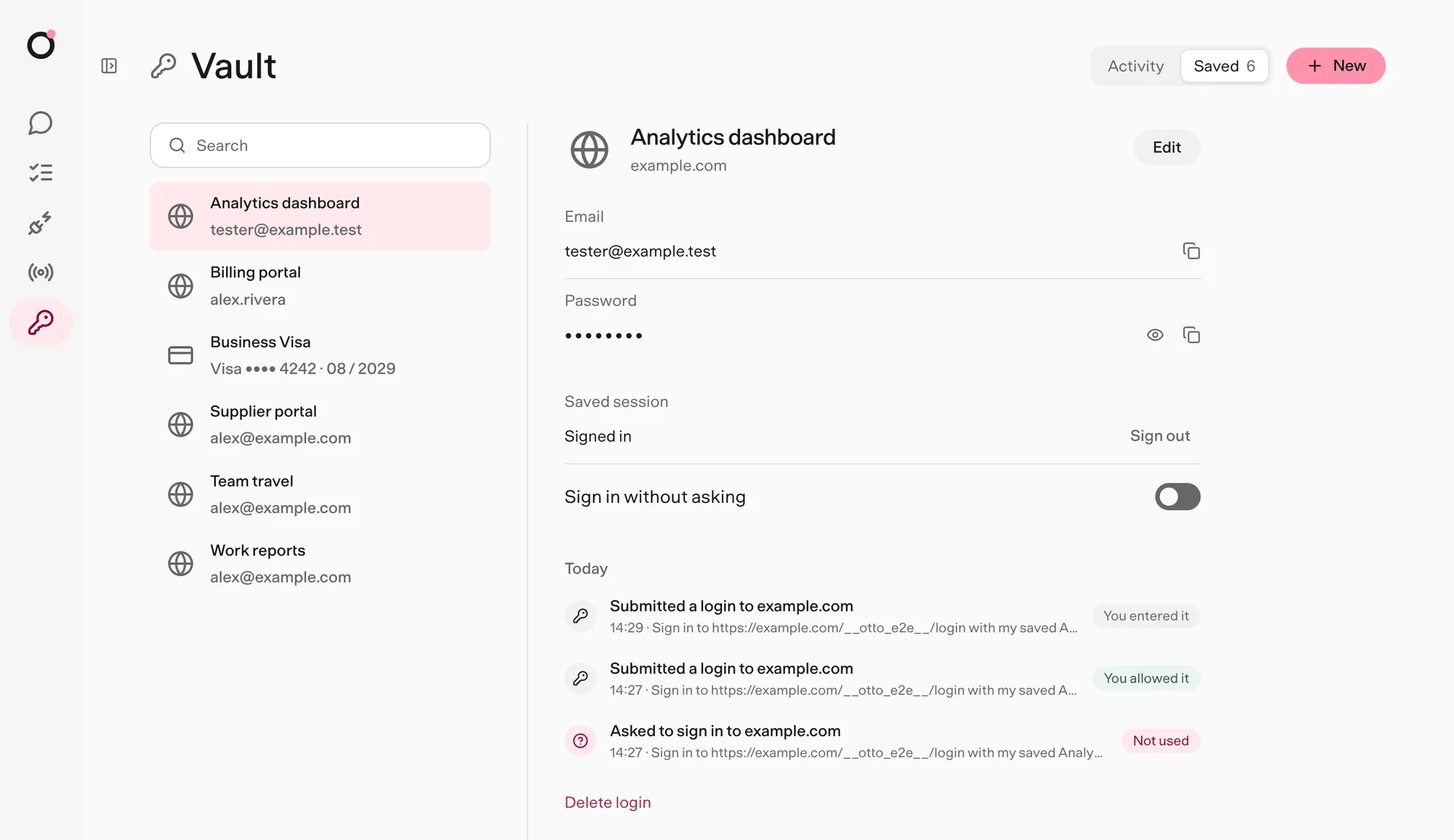
A yes covers the current task and that account. To skip the question for a website, turn on Sign in without asking for it in Vault → Saved. This covers every saved login and session for that website. It's off by default, and turning it off or deleting the site's last login removes it. Background work still never signs in, and a tripwire hit still holds sign-in until your next message.
Verification codes
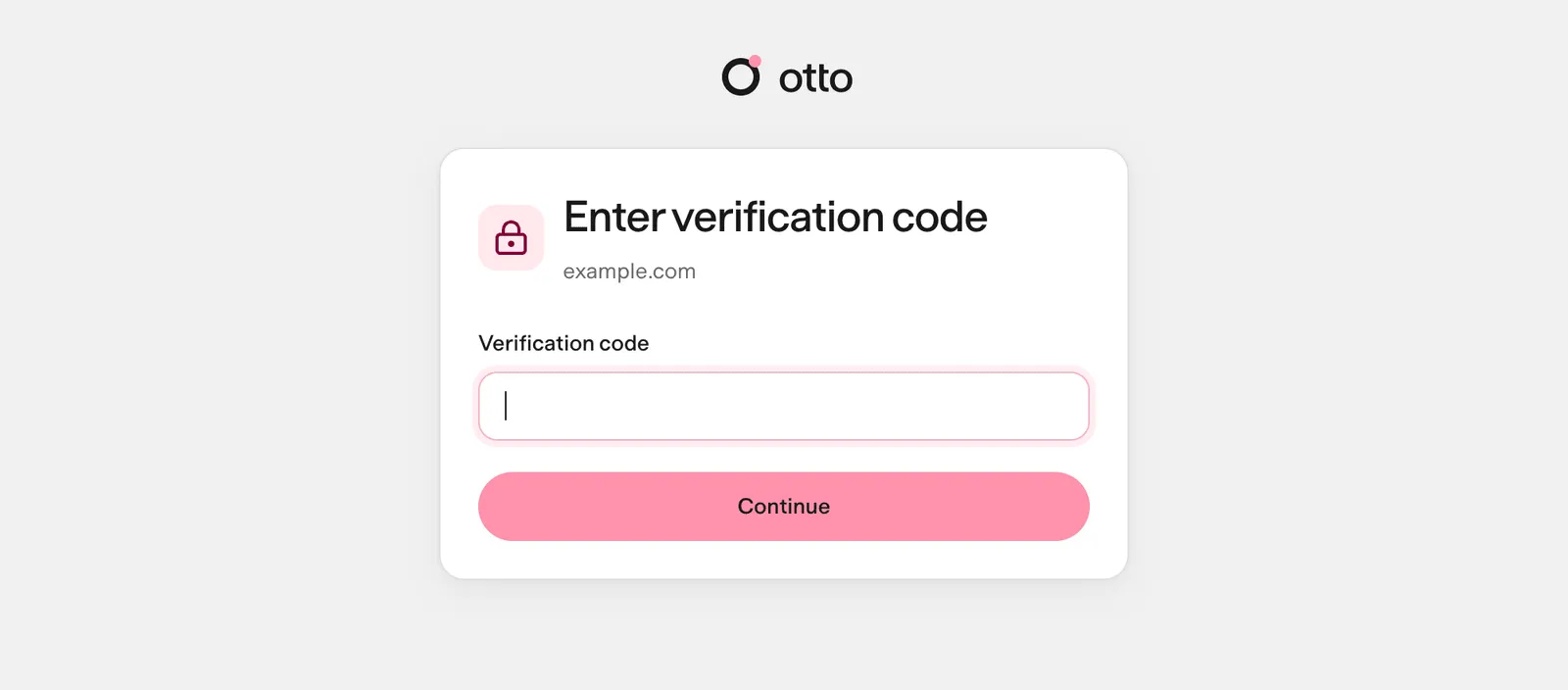
Section titled “Verification codes”When a website emails you a code, Otto can fetch it privately from your connected mailbox. The server checks the sender, recipient, time and account before entering it, and the model never sees it. Otherwise, enter the code in the private form, or reply with it in the chat where Otto asked, including Telegram or WhatsApp. Otto submits it privately and keeps it out of the chat history. Verification emails Otto reads through your apps come back without their content.
Private steps from Telegram or WhatsApp
Section titled “Private steps from Telegram or WhatsApp”Private forms never open in a chat app. Finish the step in the same conversation in Otto on your desktop, and Otto replies in the original chat. See Telegram and WhatsApp.
Review and change access
Section titled “Review and change access”Vault → Activity lists every sign-in, code, saved-session use, question, held attempt, reveal and permission change for 90 days, with the task and the reason.
Vault → Saved lists your logins, cards and saved sessions. Open one to edit, reveal, copy or delete it. Every reveal is recorded.
How Vault stores secrets
Section titled “How Vault stores secrets”Saved logins and cards are encrypted with AES-256-GCM. Each value is bound to you, its record and its purpose, so a copied value won't open anywhere else. The key is kept outside the database.
Vault fails closed. Otto checks the key against your existing data before it uses or writes anything, and a wrong or missing key stops Vault without overwriting anything. A login the key can't open shows Can't be opened and can still be deleted.
Where the key lives
| Where Otto runs | Key |
|---|---|
| Desktop app | Generated by the app, protected by the system's safe storage |
| From source on macOS | The macOS Keychain, or OTTO_VAULT_KEY if you set it |
| From source on Linux | OTTO_VAULT_KEY in .env |
| Hosted | Derived for each user from the operator's master key |
Where this is enforced
Section titled “Where this is enforced”src/server/vault-access.ts (permission and activity) · src/server/vault-use.ts (one use) · src/server/vault-crypto.ts (encryption) · src/providers/agent-browser (origin checks and private entry)