

Get set up
- Install the desktop app on a Mac or Windows PC
- Install from source on macOS or Linux
- Connect a model from OpenAI, Anthropic or OpenRouter
Get set up
Try your first task
Stay in control
Understand Otto
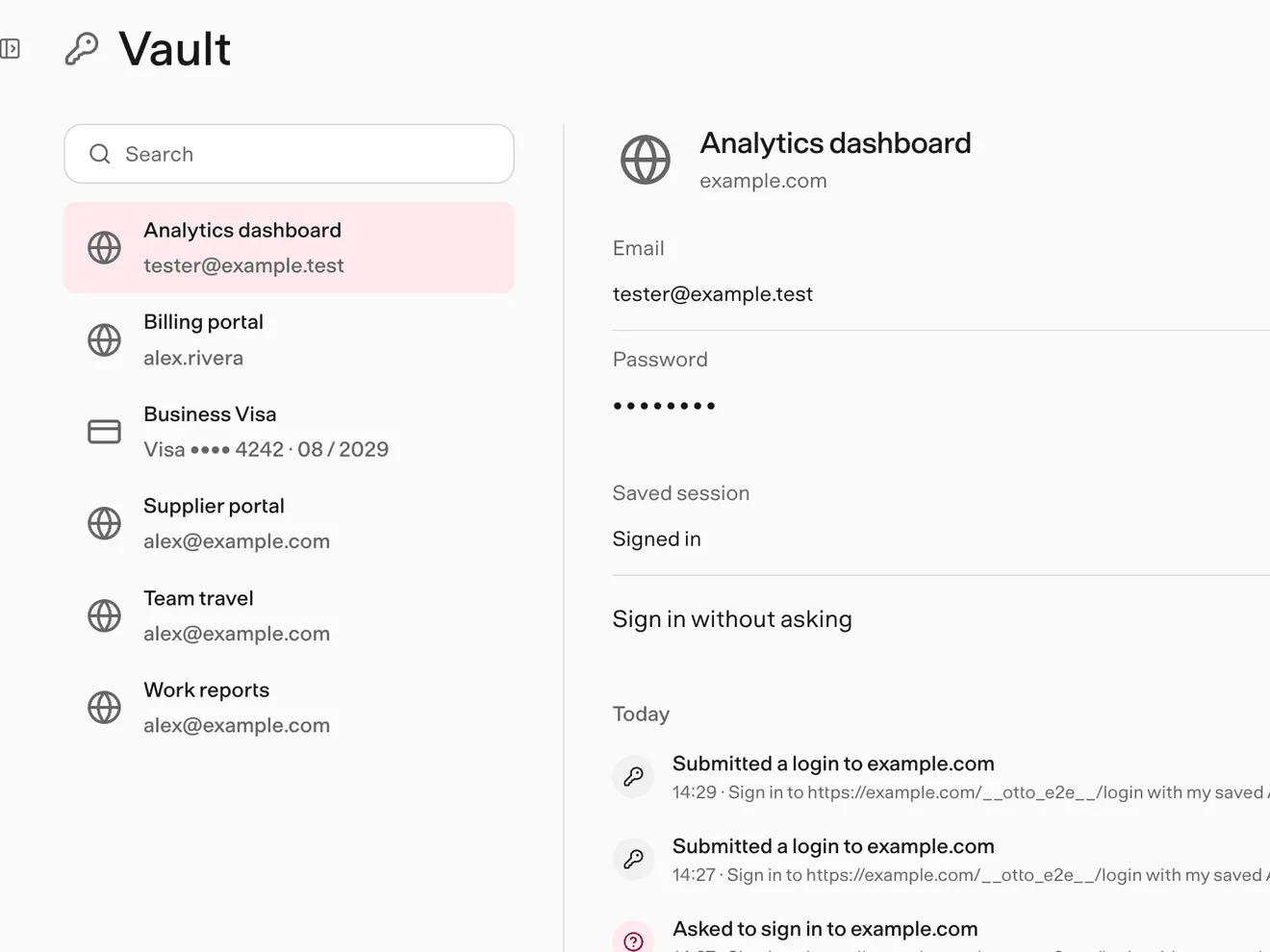
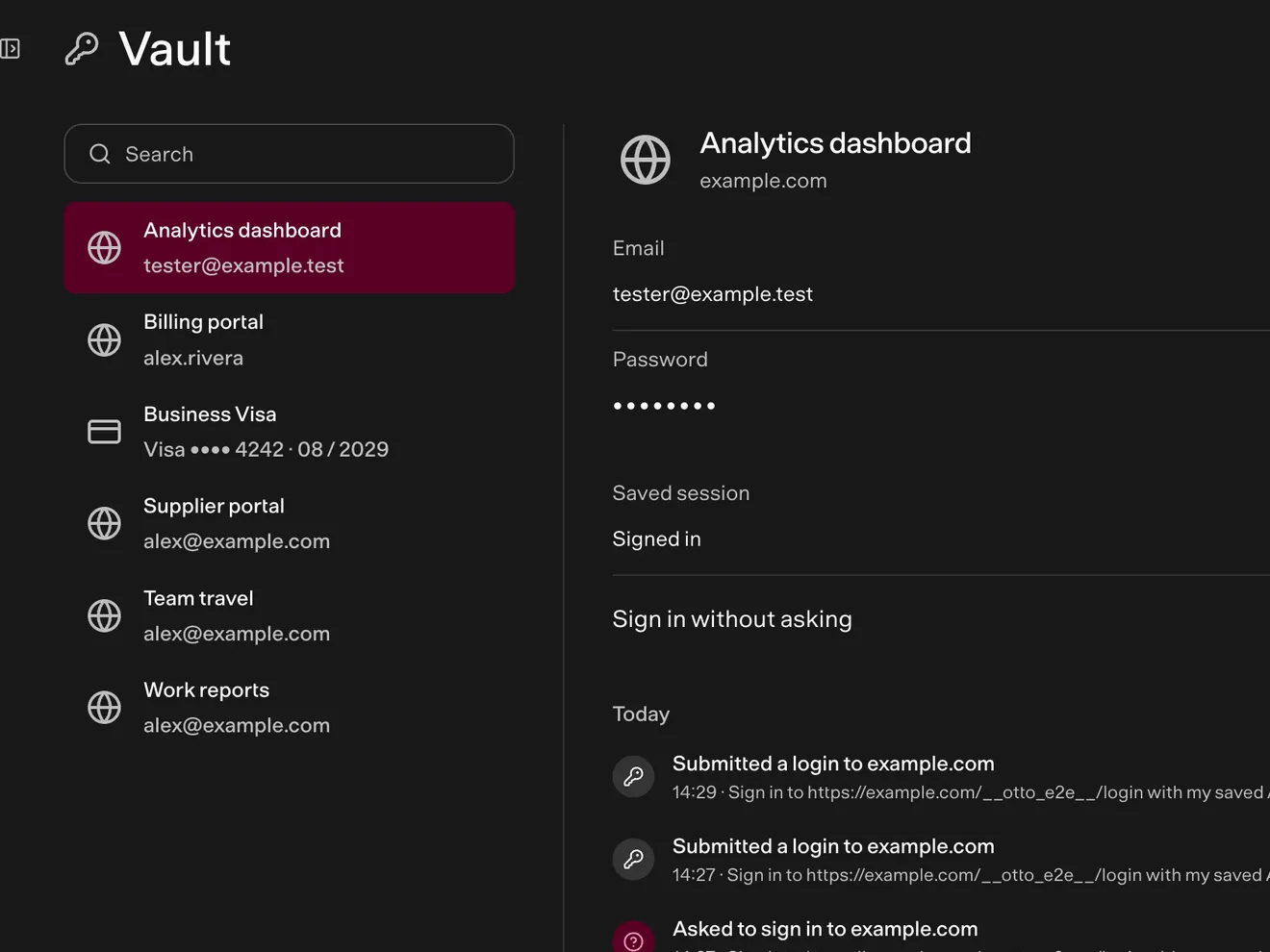
You talk to one Otto. It plans the work, then uses its own computer, the web and the apps you connect. Trust checks what it does. Vault keeps your secrets out of the model.
flowchart LR
  you([You]):::accent --> chat[One conversation<br/>app · Telegram · WhatsApp]
  chat --> otto[Otto plans the work]
  otto --> computer[Its own computer<br/>files · commands · browser]
  otto --> web[The web]
  otto --> trust{{Trust check}}:::accent
  trust --> apps[Your apps<br/>Gmail · Calendar · Slack]
  computer --> vault[(Vault<br/>logins · cards)]:::accent
Research
Search the web, read pages and PDFs, and compare sources.
Work on files
Write documents, sheets and code in its own Linux workspace.
Use your apps
Read and draft in Gmail, Calendar, Slack, Notion, Linear and more.
Browse and sign in
Fill forms, sign in with saved logins and download what you need.
Keep watch
Run on a schedule and notice new email that needs you.
Reply anywhere
Pick up the same conversation on Telegram or WhatsApp.